
Running .bat Files in Linux or Steam Deck
Some mods may require you to run a .bat file the install the mod. This is a Windows Batch file that cannot run on Linux natively. Thankfully, we already have Proton/Wine which can run Windows programs for us and will work with batch files, so we just need to use that. This will cover one simple way designed to be user friendly for Steam Deck and non-technical users.
I will be using the game Mobile Forces as an example, but the process should be the same for other mods that require running a .bat file as well.
Enter Desktop Mode
Enter Desktop mode and follow your Mod's install process, placing the files wherever they need to be.
Install Protontricks
On your Steam Deck you can find Protontricks in the Discover app. OtherwiseOn other devices it's in whatever package manager your distro has, and also available as a Flatpak.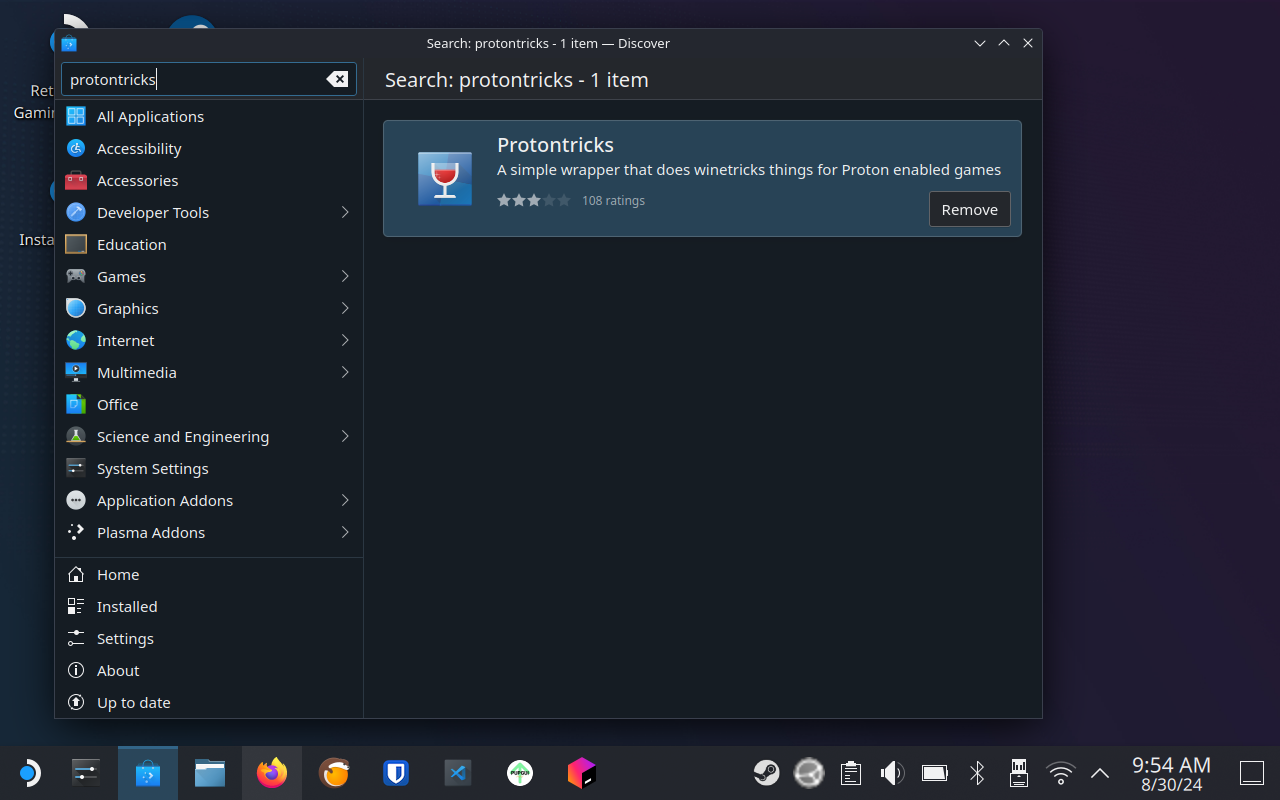
TODO:
47VDGLZ-YOP2OWM-HTPZUQ2-4YA4F3P-W5O34YO-X45VW4L-QX73SAF-GLZ6NQCOpen Protontricks and select the game your .bat file is for. If the game isn't displayed in the list, be sure you've launched it at least once from Steam, then open Protontricks again and you should see your game.
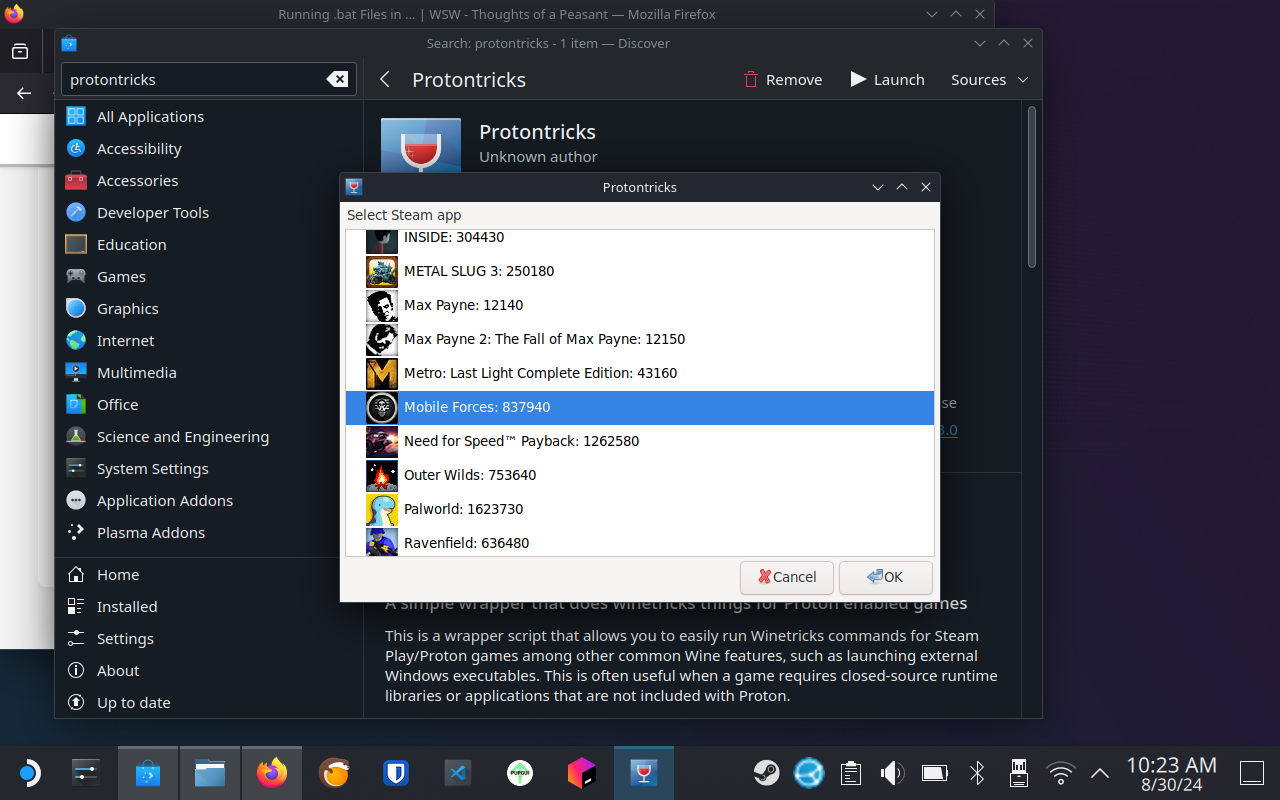
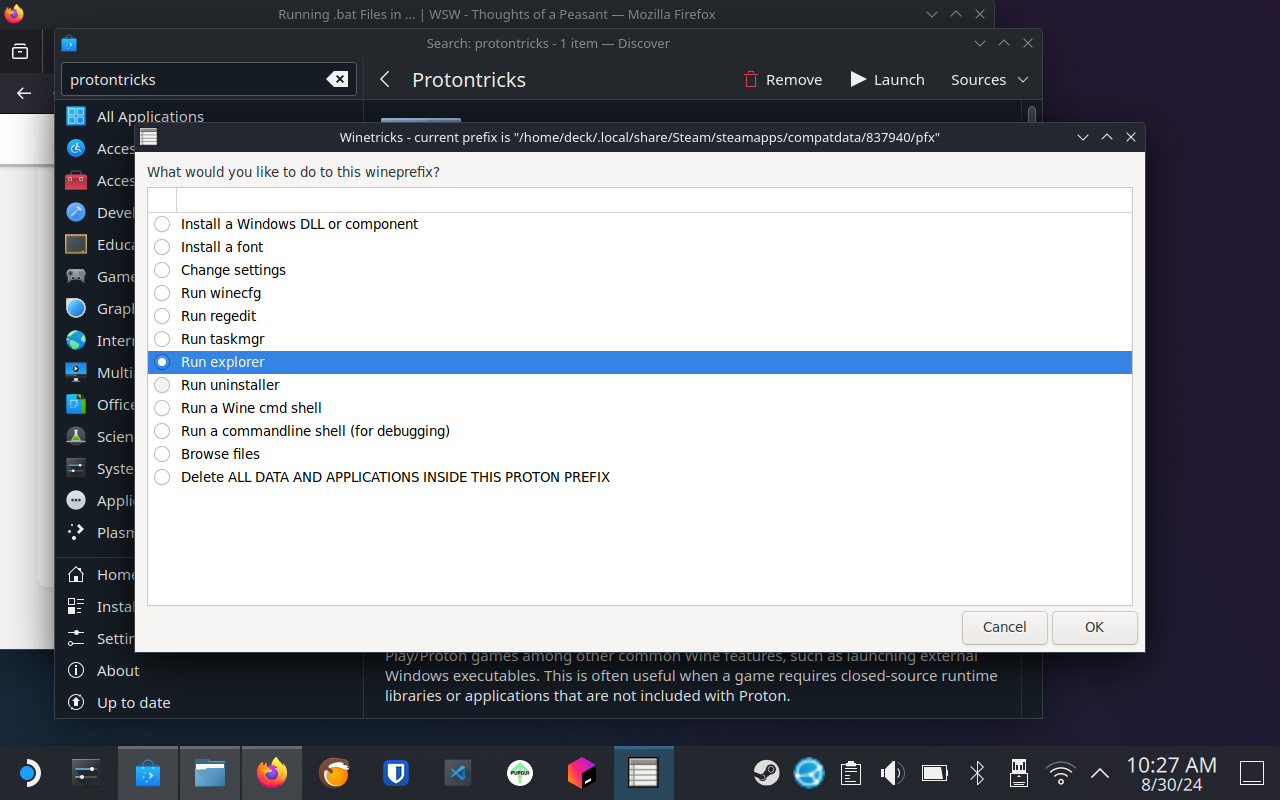
Now browse to your game directory and to the .bat file. There are a few places it could be:
Example 1:
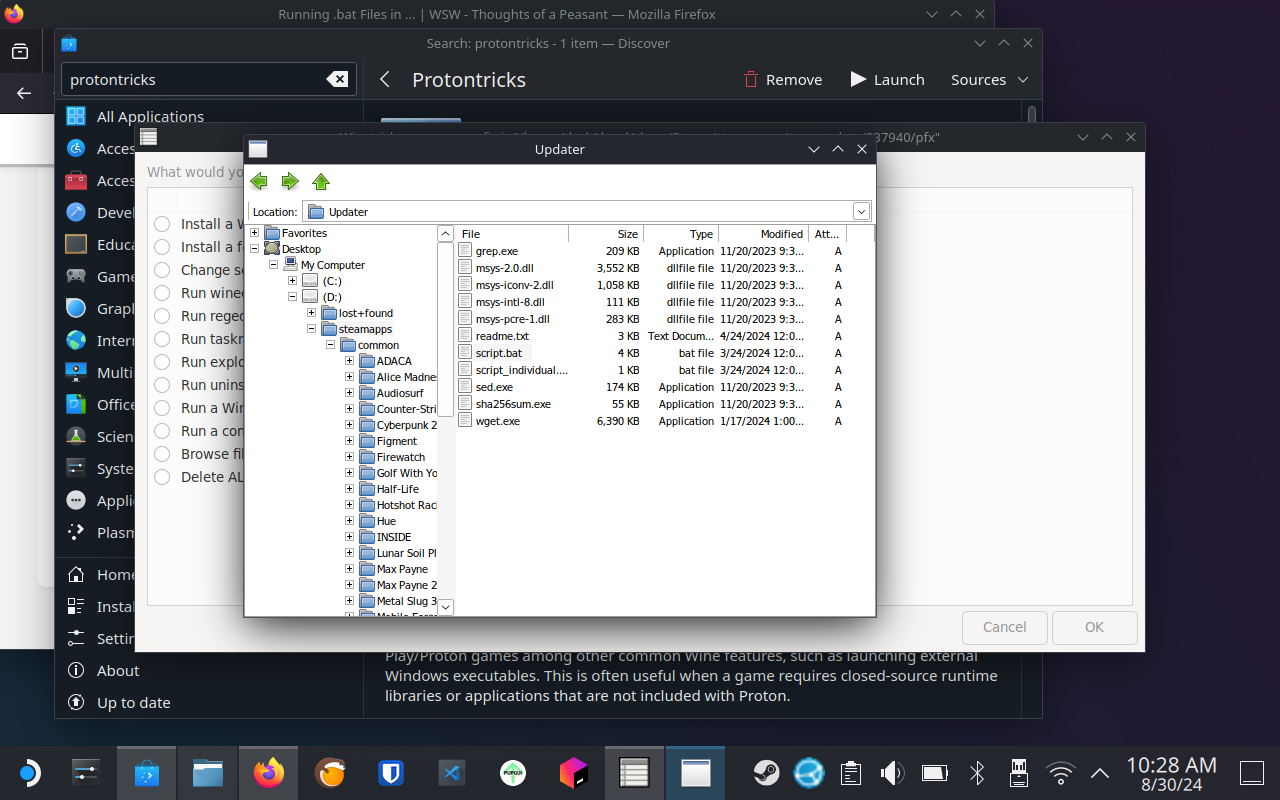
Example 2:
After entering my home directory, I had to manually type in .steam then Enter in the Location bar to get that folder to open.
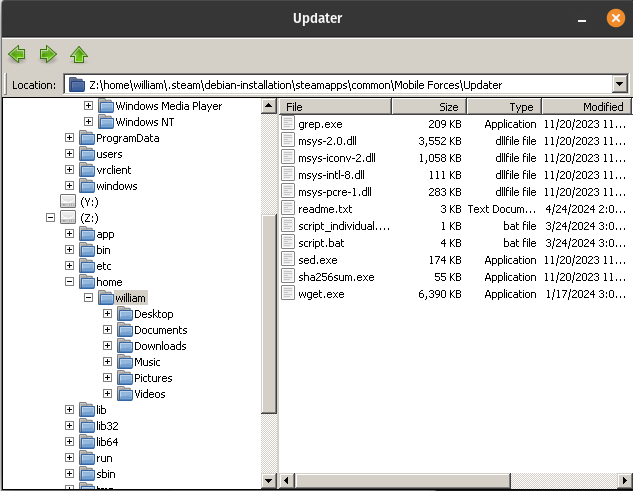
Double click the .bat file you need to run and it will do its thing. Now you're done!
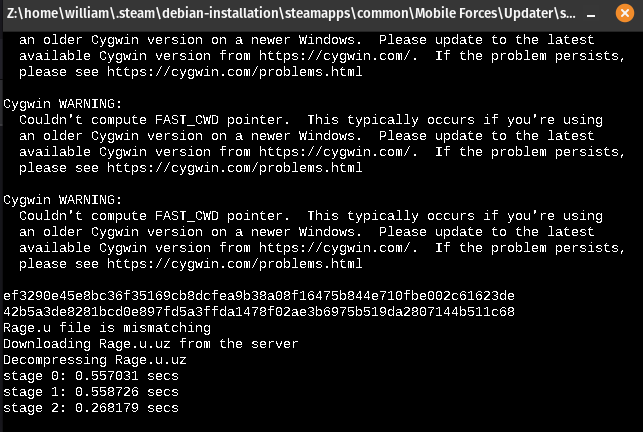
In my case, the warnings were harmless and everything worked. Mod successfully installed.